
Reviewing Customer Payments Across Your Panel Websites
Use clear website, username and payment references to review customer funding without confusing it with platform wallet activity.
Payment support becomes easier when every question starts with the right website and account. A customer may describe a successful transfer while the operator is looking at an unrelated wallet or an incomplete request. Begin with the record that belongs to the panel in question, then compare the evidence carefully. A payment screenshot alone should not replace a verified account transaction.
Identify the website and customer
Record the exact panel domain and the username associated with the payment question. Check for similar account names before taking an action. Where a central customer-payment view is available for your owned panels, use the website information to confirm the context. Do not assume that an identical username on a different website represents the same customer balance.
Distinguish the payment method and reference
Identify which configured method the customer used and collect the relevant non-secret transaction reference. A payment request identifier, a bank reference and a credited payment record may describe different stages of the process. Keep the labels clear. Never ask a customer to provide a password, secret API credential or authentication code as proof of payment.
Compare evidence with the recorded result
Read the payment status and account history before deciding that the funding is missing. Compare the amount, currency and destination where those details are available. If information does not match, leave the case open for investigation rather than inventing a conversion or assuming the customer used the intended method. Describe the mismatch precisely in internal notes.
Avoid duplicate manual adjustments
Before changing a balance, check whether the payment already has a corresponding credit or previous adjustment. A repeated message does not establish a second payment. When an authorized correction is necessary, review the selected website, username, amount and direction before confirming it. Keep the supporting reference so another operator can understand why the correction was made.
Separate platform funding from customer deposits
An owner adding money to the PechPanel platform account is using a different workflow from a customer depositing into an individual SMM panel. Review the appropriate history for the question at hand. Keeping these records separate helps prevent a payment support investigation from becoming an unexplained transfer between unrelated balances or websites.
Close the support loop with facts
Tell the customer what was confirmed, what action was taken and whether anything still needs attention. Keep private transaction details inside the appropriate support conversation rather than publishing them in comments. Store the relevant references with the case. A useful resolution explains the actual record; it does not make a blanket promise about all future payment timing.
Continue with PechPanel
Review the current platform features, monthly plans and setup overview. For an account-specific question, sign in and open a support ticket. Keep private credentials out of public content and use services in line with the relevant platform rules.
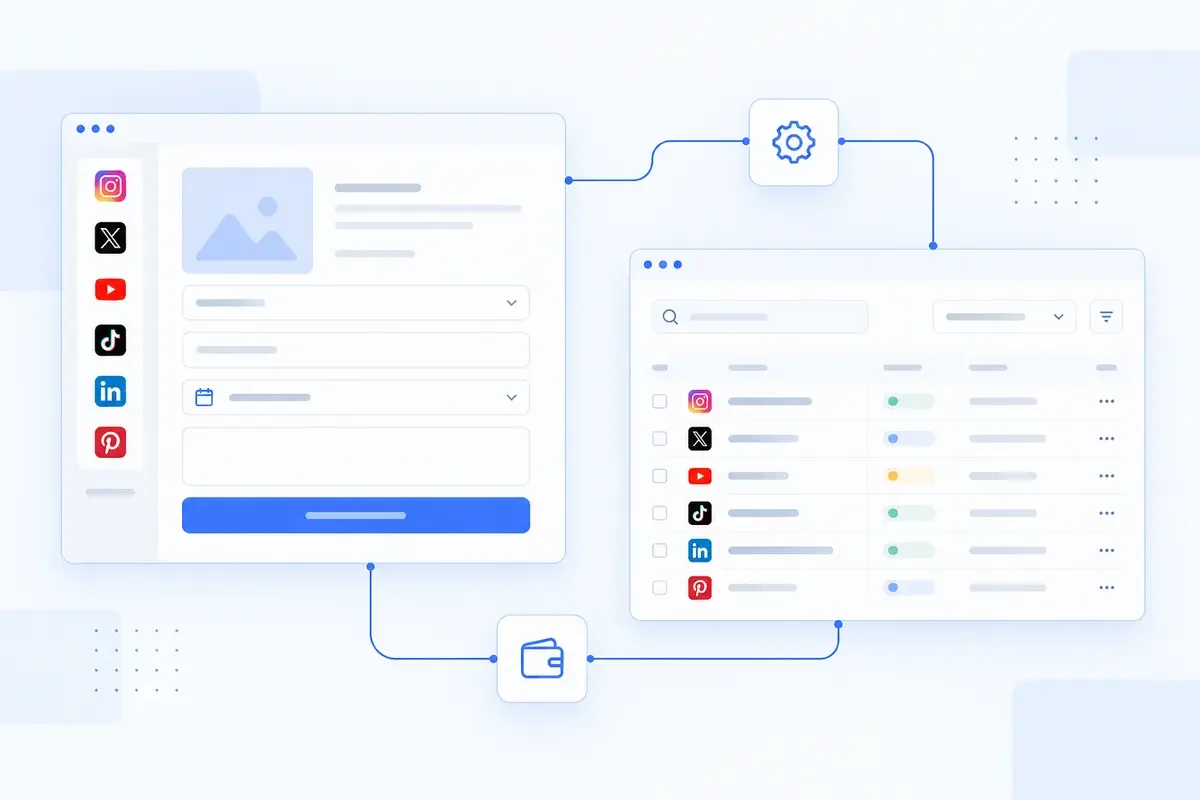
The cover is a reused AI-generated conceptual illustration, not a screenshot of a customer account or evidence of business results.